
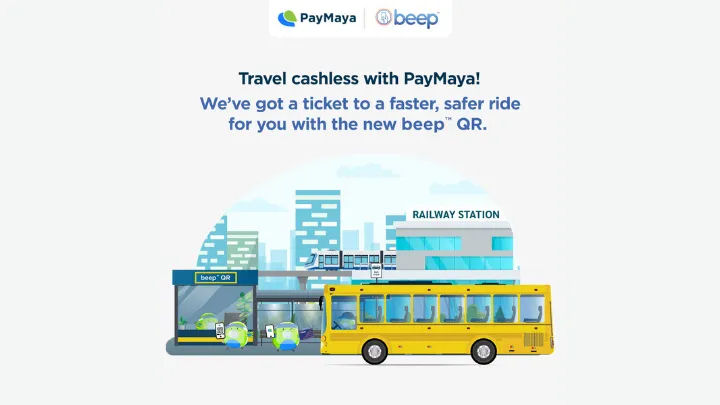
PayMaya is stepping up its services with new features as it launches the new Travel section on its mobile app. The new service will allow users to pay their tickets through PayMaya on selected travel partners.
As of the moment, The service is available to BCG Bus in Luzon and Island Ferries in Cebu. This will enhance the customer experience for these partners and avoid long queues at the station. Commuters will only need to show the Beep QR ticket from their phone for validation and they should be ready to board.
How to use PayMaya for travel:
- Launch the PayMaya app from your device and login
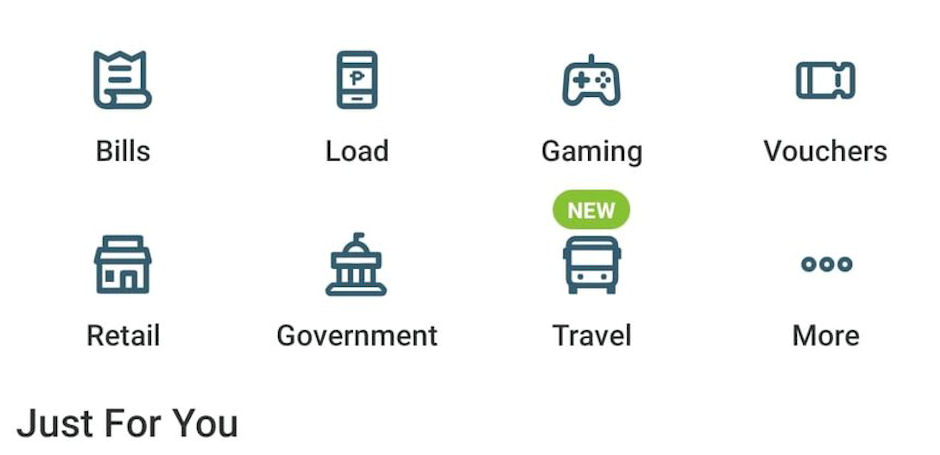
- From the list of services available within the main page, select Travel (Bus icon)
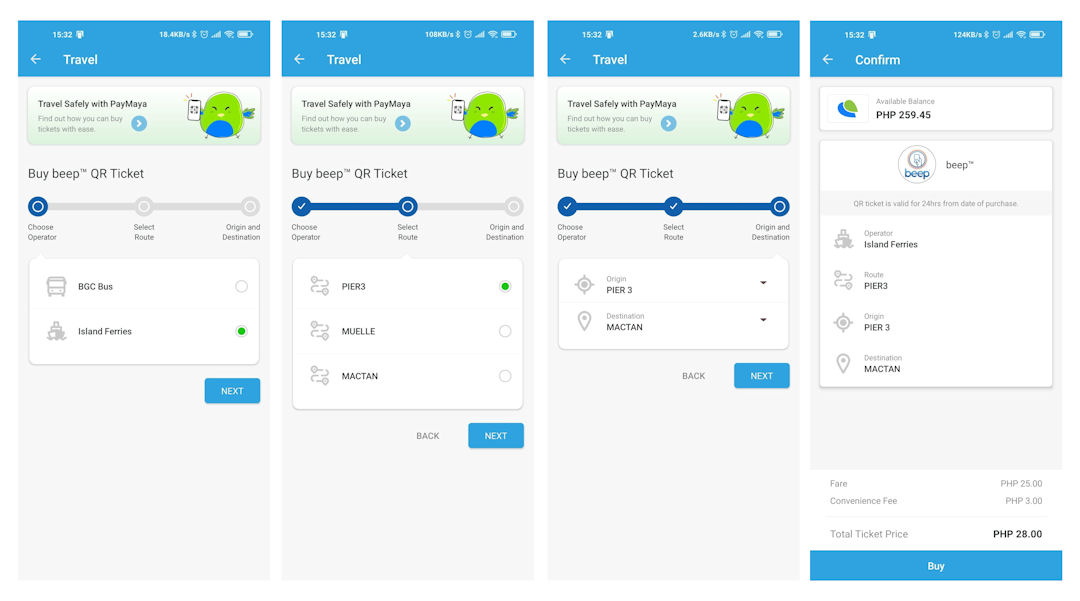
- Select a Travel service operator, tap “Next”
- Choose your route of origin then tap “Next”
- Choose your destination then tap “Next”
- Pay your ticket through the PayMaya app by tapping “Buy”
- Wait to receive your Beep QR Ticket.
- The Beep QR Ticket is valid for 24 hours for a one time use.
Besides these Transport service providers we’ve mentioned, commuters can also top up their Beep cards for other transport lines through the Treat menu. All you’re going to do is select a Beep card domination and input your Beep card number and follow through the instructions on screen.
Discover more from onetechavenue
Subscribe to get the latest posts sent to your email.