
What to expect in Windows Phone 8.1, through the Nokia Lumia 1020
New Features and Improved overall Performance


The Windows Phone 8.1 won’t be arriving to everybody else’s devices until June 24 but through Windows Phone Developers preview we’ve got to taste on what’s in with the upcoming mobile OS from Redmond.
The new Windows Phone 8.1 has added significant new features to the OS. At this point it’s fairly easy to say that Windows Phone OS has finally mature and is catching up with other platforms that came ahead of it. Not to mention now runs much faster and more responsive than before. The new Operating System also provided what users have been wanting and waited all this time, a unified notification system through what Microsoft calls it the “Action Center” and “Cortana” Microsoft’s new personal assistant.
Action Center

Like all other Notification Center from other mobile OS’es, the new Action Center aggregates all notifications from different system messages to individual app notification in one single pane. Swiping the top panel pulls down the Action Center with 4 quick launch tiles which could be customized to the user’s liking, notifications from the system and apps are found below this tiles which can be dismissed by swiping them to the right or clear them altogether.
Cortana

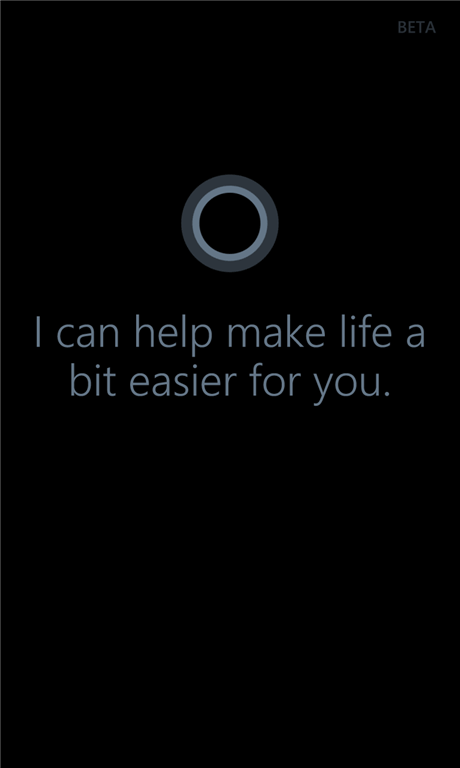
Perhaps the biggest addition to the OS aside from the new Action Center is Cortana. Inspired from the character after the Halo series, Cortana is Microsoft’s answer to iOS and Androids own personal Assistant. Like its competitors, Cortana can respond to any command you throw at her like setting the Alarms or call somebody from the Contact list, Launch apps and even something that might match into the users interest. One thing that Cortana can’t do at the moment though is working Offline. To use Cortana, users must be connected Online or Cortana will refuse to work. In the future iteration of Cortana, we do hope however that Microsoft will give their personal assistant the ability to work outside the grid, navigating the device and accepting commands that does not require connection Online such as opening apps, read screen contents and text messages are just those stuff that might be added in the future. The system is at its younger stage and we understand that the software giant has more things to come for Cortana.
As a default under the Windows developer version of Cortana, the personal assistant comes pre-installed with Windows Phone 8.1 but is enabled in the US. However, users outside of US can activate Cortana by simply going to Settings and change three things that are prerequisites to enable Cortana. Users then need to Change their Region, Keyboard and Speech settings to United States and after a few restarts and installations, Cortana will now be available to use. When enabled, pressing the search button will start Cortana instead of the usual Bing search. Users may also check if Cortana has been enabled successfully by checking their App List.
Photos & Videos

In Windows Phone 8.1, the Photo Gallery has undergone some changes. When launched, the app now directly takes to the timeline gallery in which now by default have organized all photos and videos based on the date and location were taken. Scrolling and previewing items in the Gallery is faster than before. As always, users can also view photos and videos by album and set contents from the Photo Gallery as Favorites which normally shows up as a slideshow in Start tile.
the Gallery also allows the images to be opened by the app the images was taken and to set as a sample from the image above, when previewing the photo, a link below the image tells what appropriate application is needed to open the image and clicking on the link will open the image via that app which is in this case was the Nokia Camera Beta.
XBox Music Player

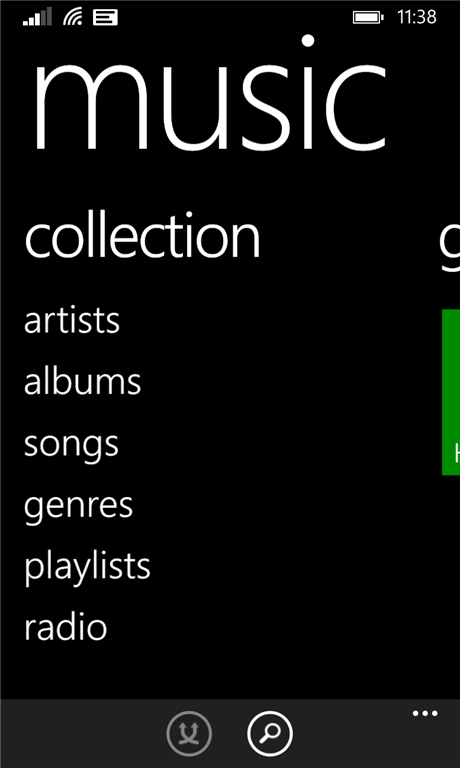
XBox Music as it comes standard with Windows phone now feature something that was quite annoyingly missing, adding and organizing music playlists. Creating playlist in pre-WP 8.1 is admittedly a pain to start with, before, users needed to play each individual songs to add them on a playlist but now with WP 8.1, creating and adding contents to the playlist is has been easier. After naming a playlist, Music will show all available music contents and users can add songs to the list by tapping the check box on each song that they wanted to add. Users can also arrange items inside the playlist in any order in their liking.
(I myself had been looking for apps that does this kind of job to no avail, after moving to WP 8.1, I have more reasons to use the Lumia 1020 as my personal music player.) It’s good to see the changes within the XBox music player, from playing songs stored within the device to listening through the XBox radio. the XBox music player has set itself the must have app in every Windows Phone 8 device.
Start Screen and Themes

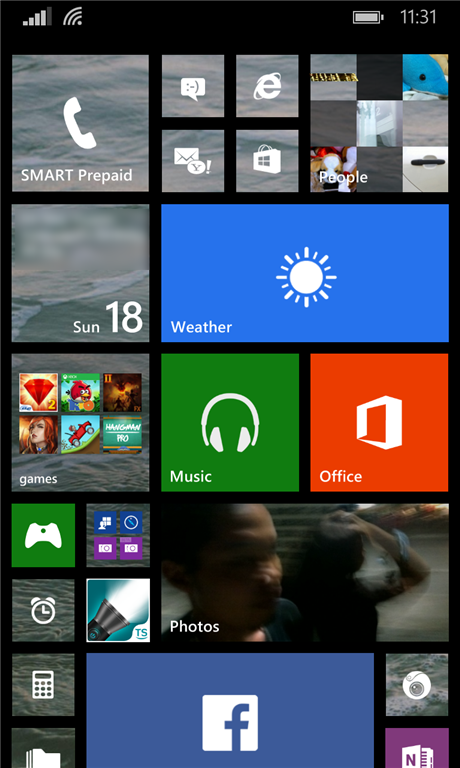
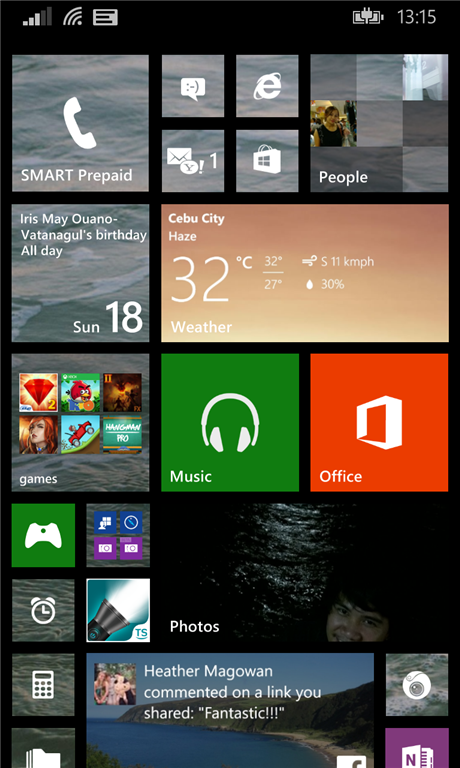
Devices with Windows Phone 8.1 has become more personalized. From the Start Screen, users can now add a photo in addition to the default Accent colors on Live tiles. Photos added as a Start background are only applied to the Live Tiles itself replacing the Accent colors being set. This is contradictory to the concepts which came out before the release of Window Phone 8.1 developer preview. The whole system itself still maintains the dark and light colors for both the Start Screen and the App list.
With Windows Phone 8.1, phones with smaller displays are now allowed to show more tiles within the Start Screen, from previously 3 rows of medium-sized tiles, Microsoft has enabled the 4th row for smaller screens as what we have seen on other devices with 5-inch and up displays. Tiles would be much smaller in this setting but nevertheless difficult to tap.
Other Features
More features that comes with Windows Phone 8.1 are right under the hood. With improvement in performance and speed, better data connections and handling, ergonomics, better power management, VPN support, screen projection and many more…

New Volume Control
Volume control prior to Windows Phone 8.1 had a single control for ringer, notifications, medias and apps, with WP 8.1 however, Microsoft has set two separate volume controls for ringer/notifications and Media/Apps. This has become more flexible as most users are frequently adjusting the volumes from their multimedia player applications but don’t want to bother their audible settings for the device’s ringer and notifications.
Wi-Fi Sense
Connecting to a WiFi network are always the case to save cellular data, With Wi-Fi Sense, WP 8.1 devices can automatically connect to known WiFi networks and other free and open WiFi networks in certain locations. Users can also share their Credentials (except for network passwords) automatically to their contacts that they want to share with.
Task Manager
Beginning with Windows Phone 8 GDR3, users may not need to go through every single app that they had launched to close them, GDR3 update has allowed users to close each individual apps from the Task Manager by tapping the close buttons from the upper right hand side corner on ever application window. With Windows Phone 8.1, Microsoft has further ease the gestures on closing these apps. Aside from tapping the close button, sliding each app Windows will now close apps from the Task Manager, Users are still limited to closing individual apps as Windows Phone 8.1 does not feature the ability to close all task/apps in the list.
Word Flow Keyboard
The new Windows Phone 8.1 Keyboard has become more convenient to use. This keyboard interfaces has been with Android for sometime now and Microsoft has made this feature available with Windows Phone 8.1. Instead of tapping each letter to come up with a word, users may swipe their finger across the keyboard to form a word, with some practice and getting used to, users may find the Word Flow Keyboard addition to Windows Phone a huge benefit.
There are a lot of other features new to Windows Phone 8.1. It seem that Microsoft will finally deliver a mobile OS more worthy enough to compete with Android and iOS without falling short on features and enhancements. These great additions to the operating system are the foundations of bringing manufacturers to the table that would welcome app developers to create applications for Windows Phone.
Features listed in this Article are from a developer preview of an unreleased Operating System in which some features are subject to change while others will probably not to be included in the official release.











Related articles


Discover more from onetechavenue
Subscribe to get the latest posts sent to your email.