
Chome 74 for Android also adds Dark Mode, here’s how
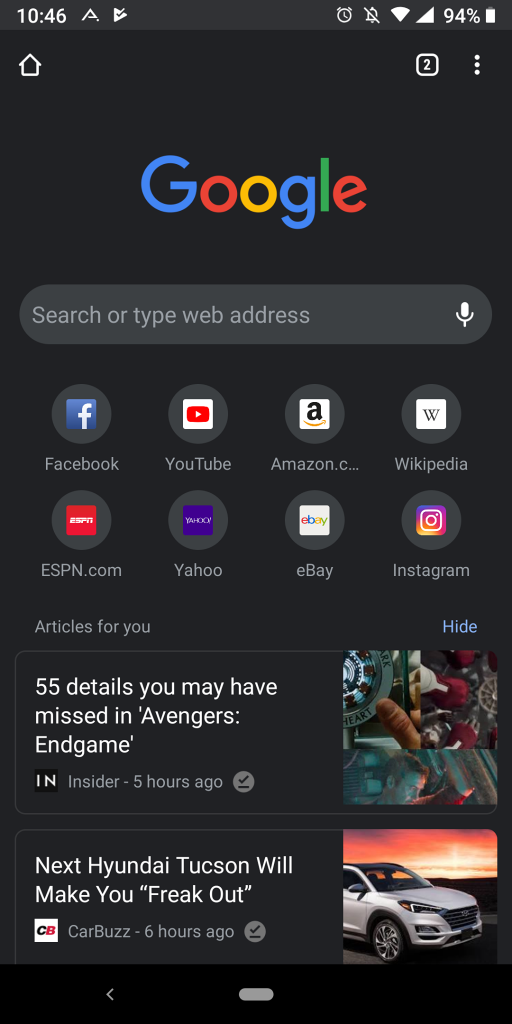
With Dark Mode spreading throughout Google apps and services, it’s hard to ignore Chrome by any means and if you are looking for comfort or just trying to save your juice, try to check out the version number of Chrome browser on your Android phone as Chrome 74 for Android devices carries Dark Mode with it and might just help what you need.
For a start, the setting itself like in its desktop counterpart does not include the feature on its Settings menu but you can make it available by following the steps below.
Before anything else, make sure you have at least version 74.0.3729.112 of Chrome and if so, copy or type in the following line to your Chrome address bar:
chrome://flags/#enable-android-night-mode
Having done that, you’ll be taken to Experiments – these are experimental features that Google is yet to enable by default.
- Search “Dark Mode” from the Search bar and under Android Chrome UI dark modetap Enable.


- After doing so, Restart your Chrome browser.
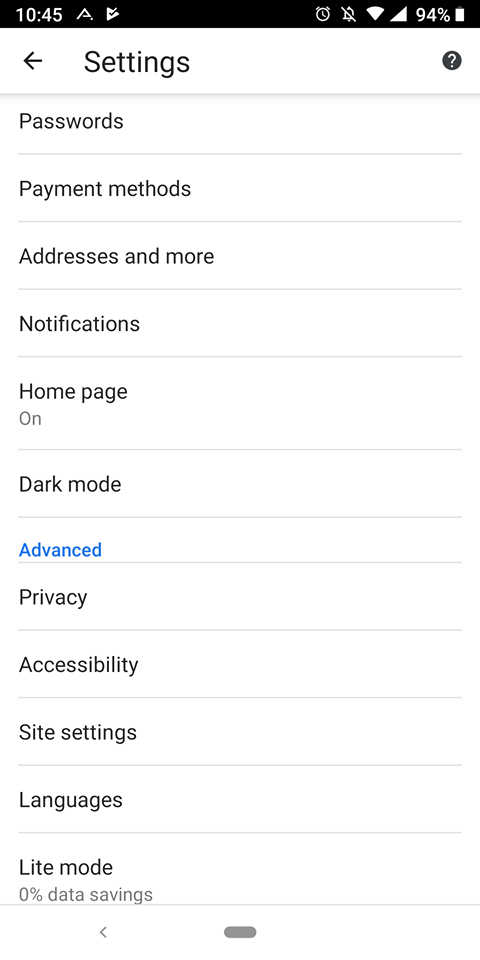
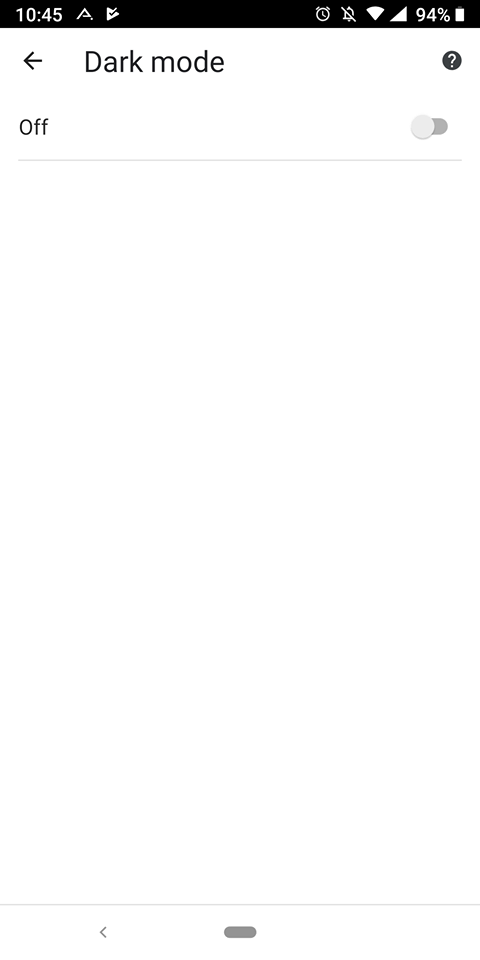
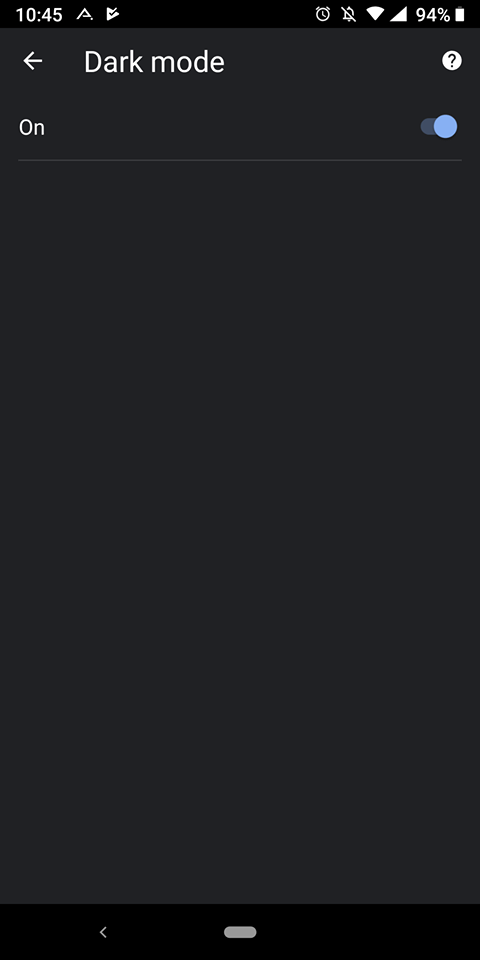
- Then go to Settings and you’ll see Dark Mode from there, tap and enable it.

Discover more from onetechavenue
Subscribe to get the latest posts sent to your email.